Getting Started#
This sections helps you to start using the Laces Hub.
Creating an account#
The first step to access Laces Hub is to create, and activate, a user account.
Creating an account allows application administrators to login to the management environment of Laces Hub and manage their approved applications.
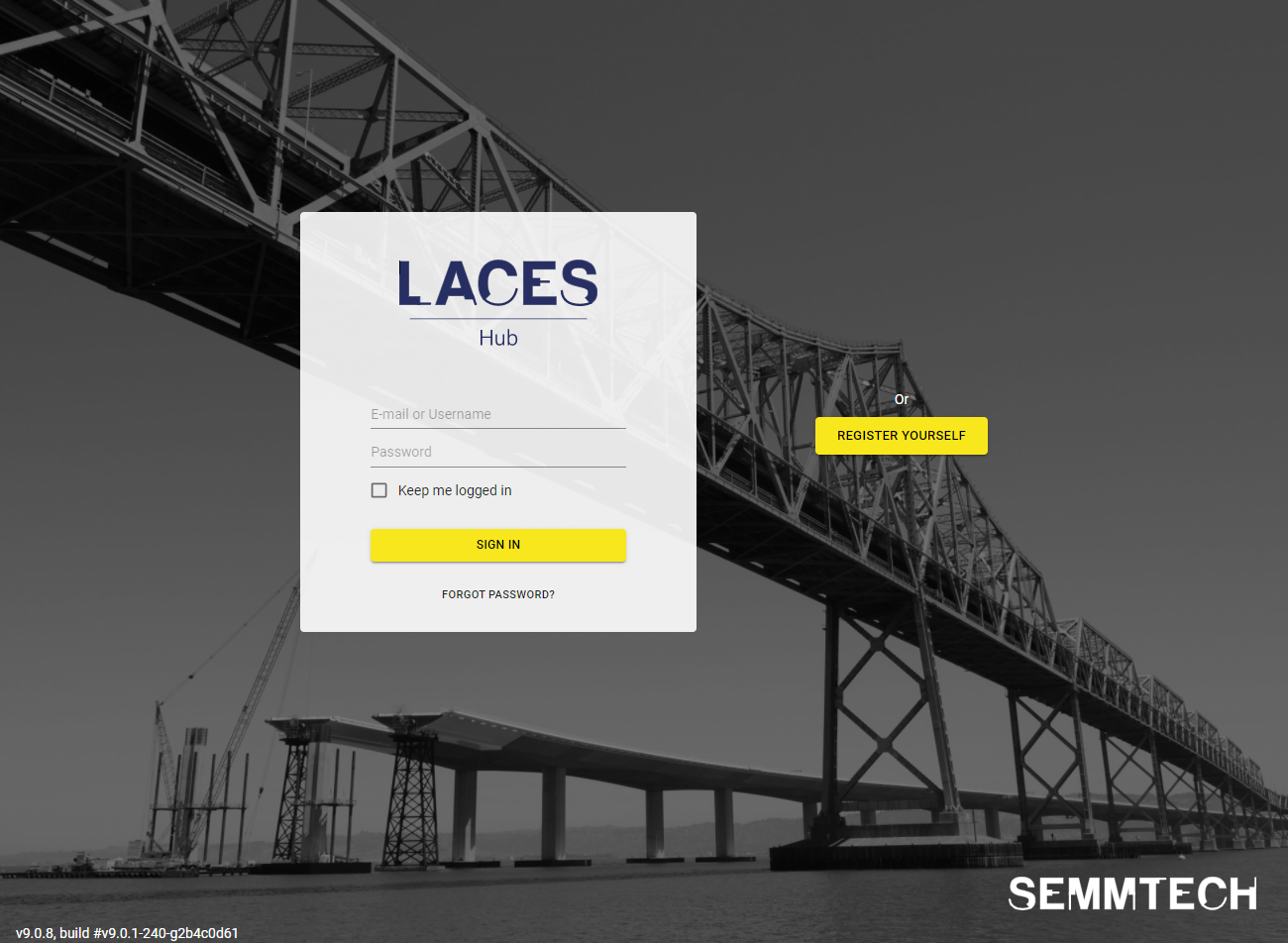
Navigate to Laces Hub at: hub.laces.tech
Create a user account on the Hub by clicking the yellow "Register Yourself" button next to the login page.
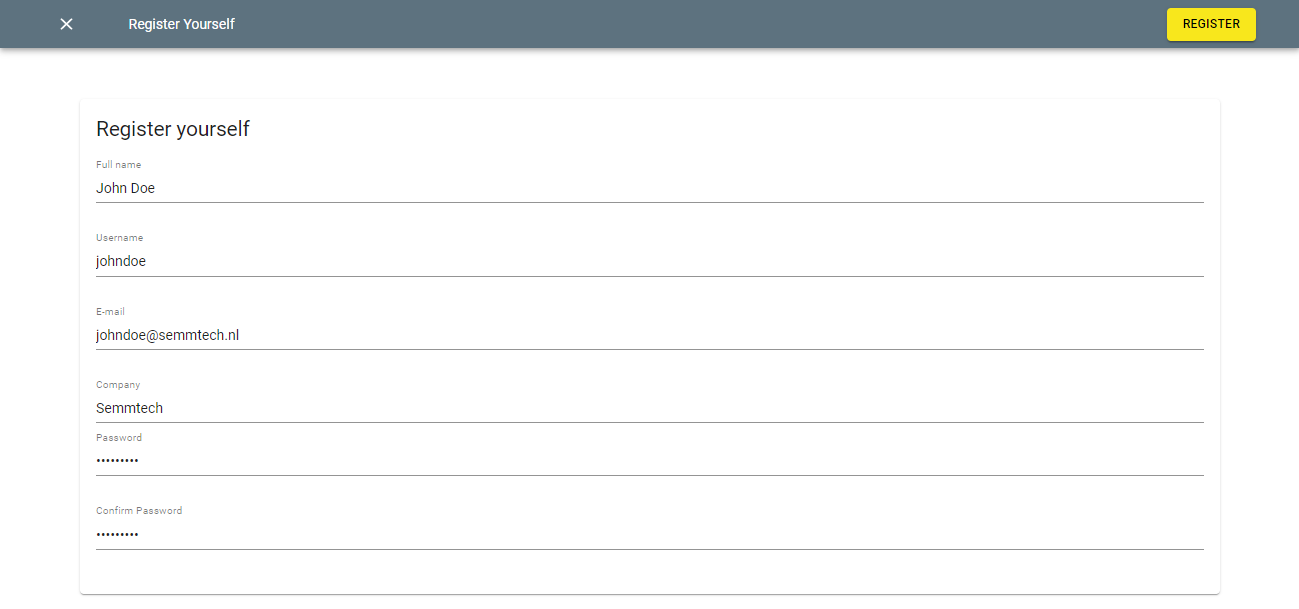
Provide your email address, password (minimum 8 characters), and other required information to create an account. Once everything is filled in, click on the "Register" button in the top-right corner of the screen.
Activating your account#
An activation link will be sent to the provided email address, which will contain instructions on how to activate the newly created account. Without activation your account cannot be used!
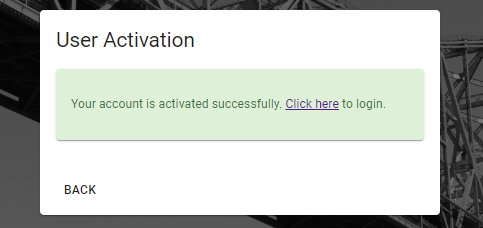
Open the activation email sent to you, and click on the activation link contained within. This will open the activation page to confirm your account.
Login to Laces Hub#
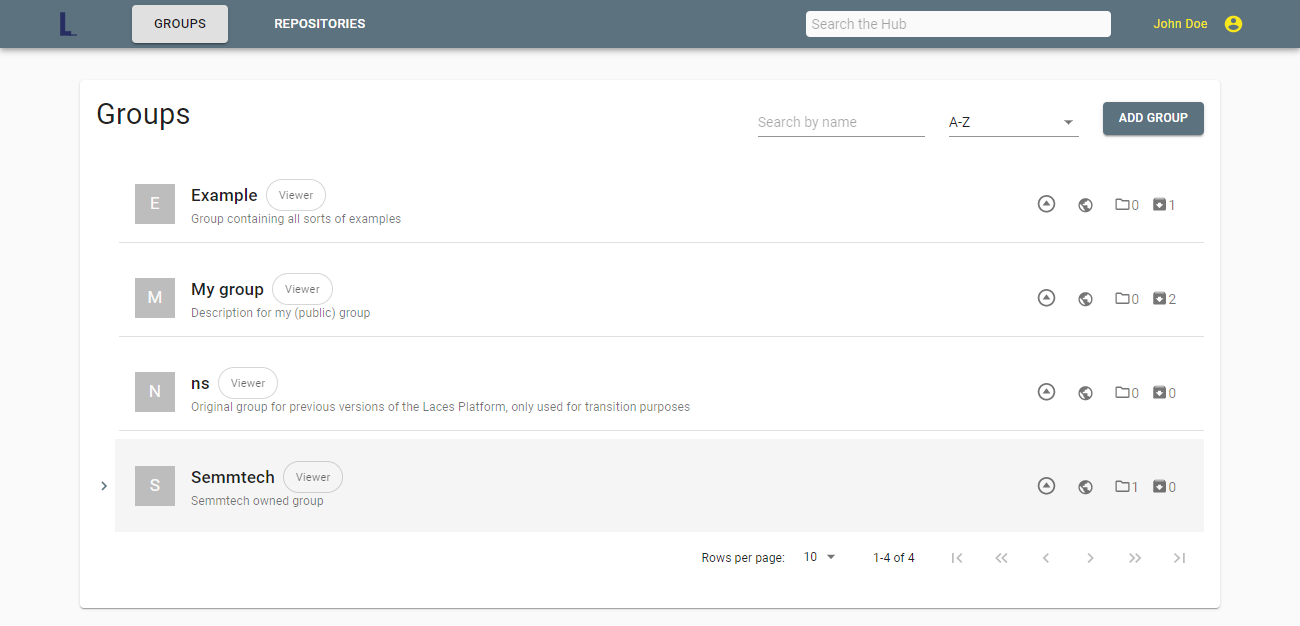
Once you have activated your account, you can log in using the credentials you have chosen. Once logged in, you will land on the overview page with all the Groups you have access to.
The "Keep me logged in" will extend the validity of your session within your browser for two weeks; without this checkbox checked your session will expire after 2 hours of inactivity.
You can find more information on how to start adding your own data or accessing existing data on the Browsing the Hub page.