Getting Started#
Creating an account#
The first step to access Laces Data Platform is to create a user account. Creating an account allows you to log in and access your repositories, publications, and manage your access tokens.
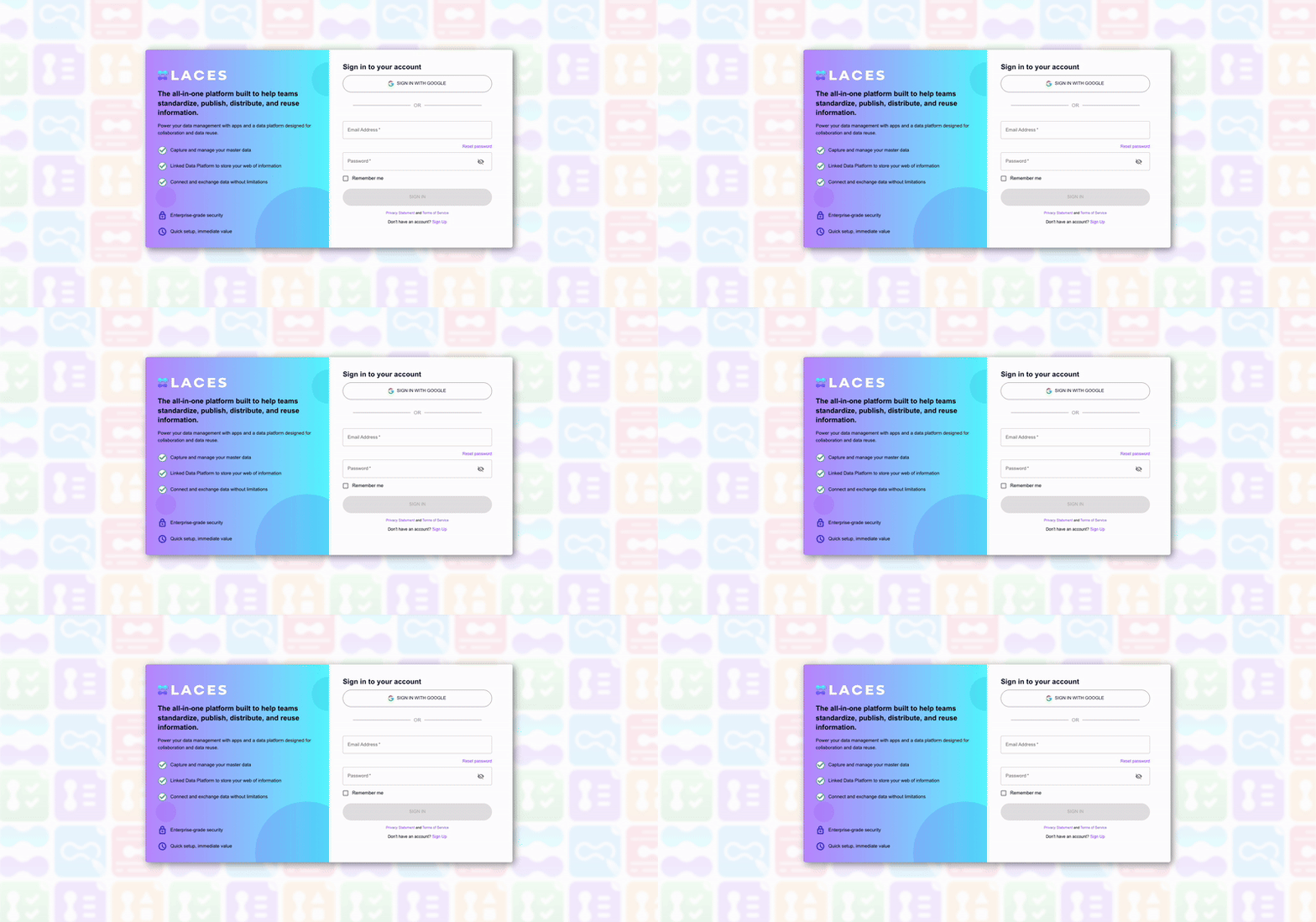
You can create an account in two ways:
- Sign up with email and password
- Enter your email address and choose a password.
- You will receive a verification code from auth@laceshub.com.
-
Enter the code on the sign-up page to verify your account.
-
Sign up with Google
- Click the Sign in with Google option and follow the Google authentication flow.
- Your account will automatically be linked to Laces Authentication after verification.
Once verified, you can log in and start using Laces Data Platform immediately.
Inviting users to groups and repositories#
Group and repository managers can now invite users to join their teams, even if the user does not yet have an account.
Steps to invite a user:
1. Navigate to the group or repository you want to manage.
2. Click Add user and enter the user's email address.
3. If the user does not already have an account, a sign-up request will be sent to them automatically.
4. The invited user will receive a verification email and must complete sign-up before gaining access.
5. Once the user has verified their account, they will appear in your group or repository with the assigned role.
Note
Membership invitations expire after 7 days. Expired invitations must be resent by the manager.
Login to Laces Data Platform#
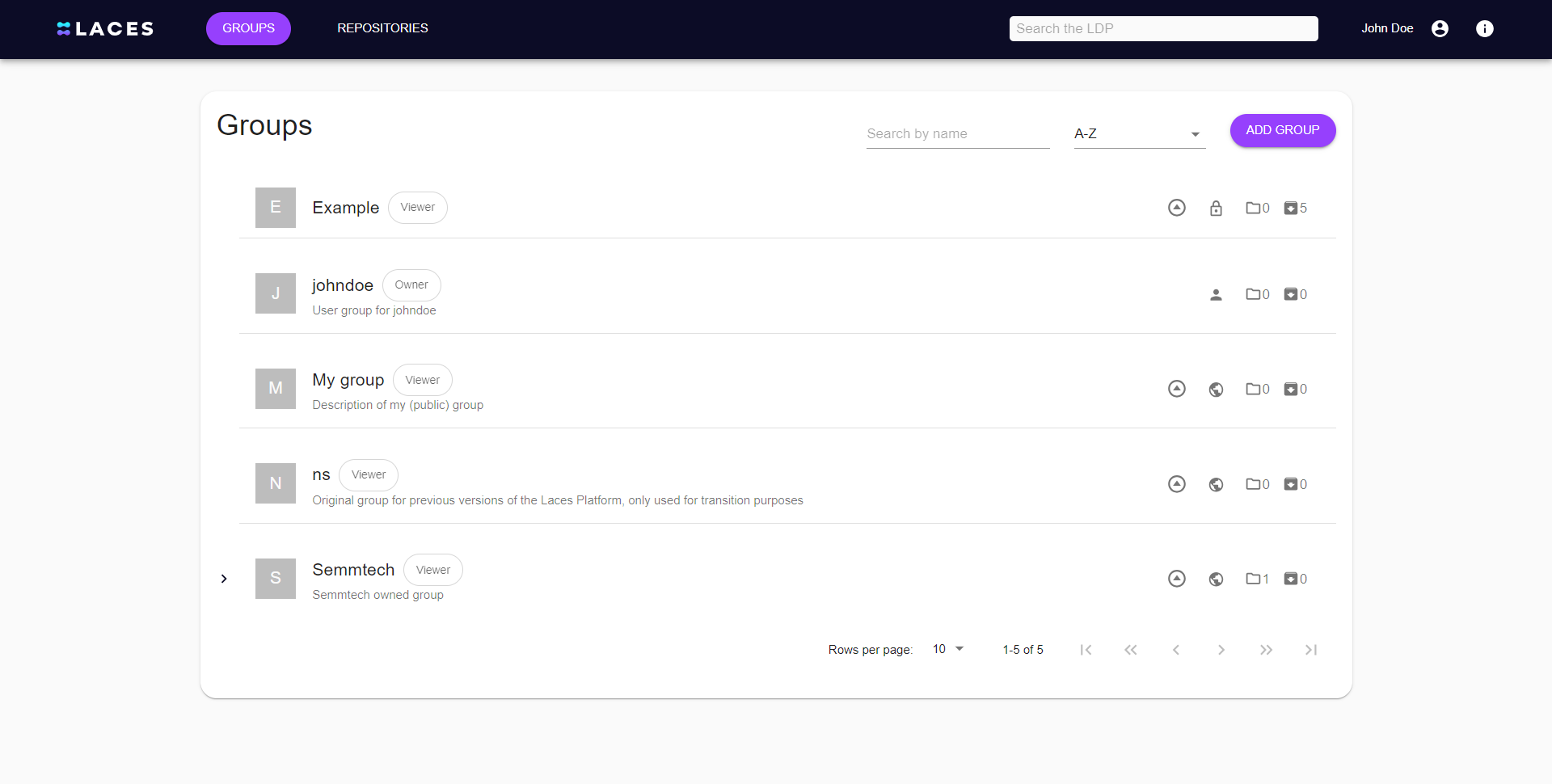
Once you have activated your account, you can log in using the credentials you have chosen. Once logged in, you will land on the overview page with all the Groups you have access to. The "Keep me logged in" will extend the validity of your session within your browser for two weeks; without this checkbox checked your session will expire after two hours of inactivity.