Laces Authentication#
We are introducing Laces Authentication, a new and improved way to manage access to Laces. This change modernizes the sign-in experience without affecting your workspaces, publications, access tokens, user management, or existing integrations.
First-time sign-in#
After the transition, you will see a new login screen when accessing the Laces Apps. All existing accounts have been migrated, but to start using your account you will need to sign up on the platform using your existing email id.
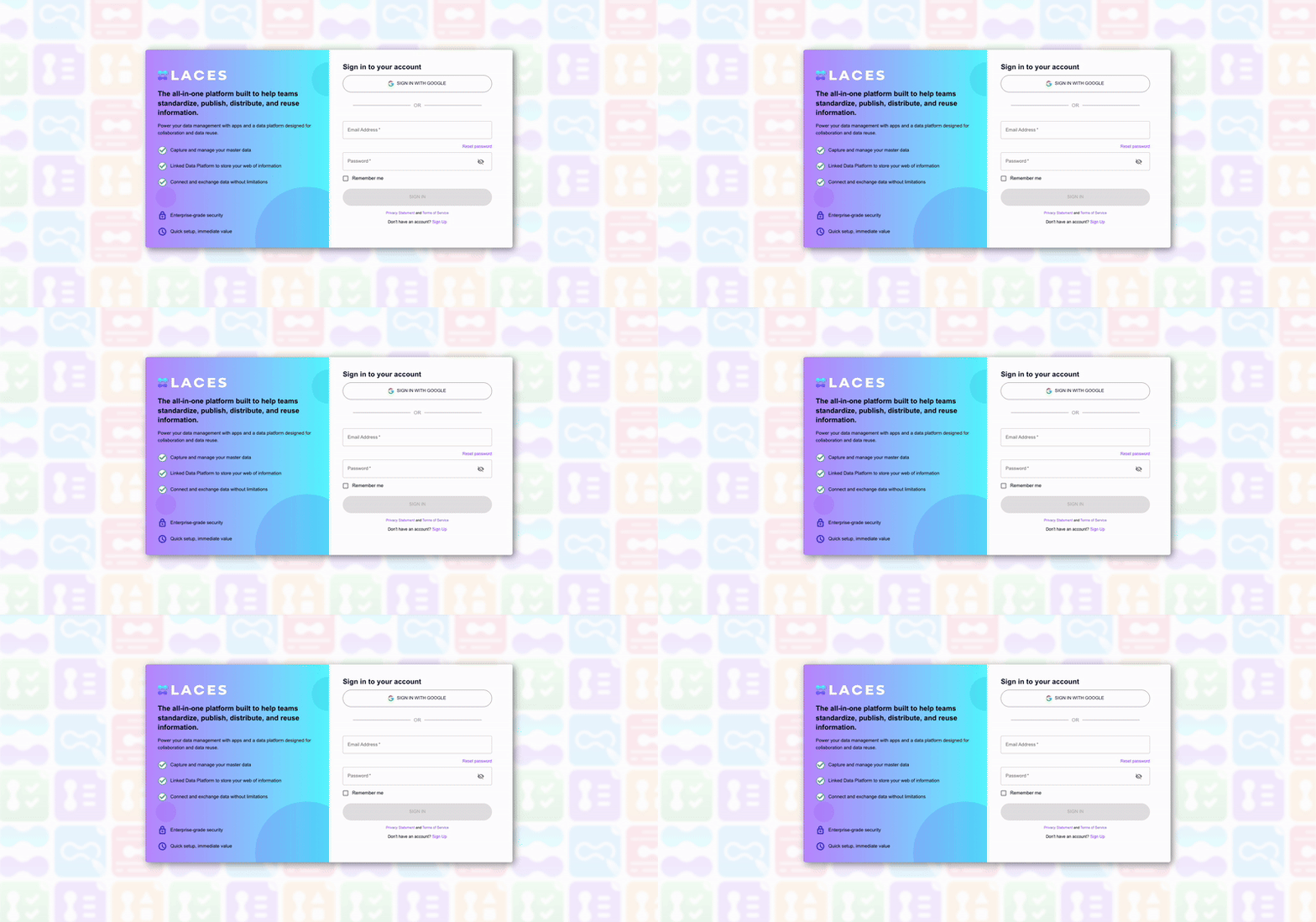
Steps to sign up#
- Go to the login page.
- Click on sign up.
- You can sign up using an IdP provider like Google, Entra or using email and password.
- Enter the confirmation code sent to your email (check your spam folder if needed).
- Click submit to complete.
- Sign in again with your email and new password, or continue using your preferred identity provider for login.
Note
Verification codes will be sent from auth@laceshub.com . Please ask your administrator to whitelist this email address to prevent codes from ending up in spam.
What changes for users?#
- On first login, all users must sign up on authentication platform.
- After this, there are no changes to your daily workflow.
What changes for workspace, group and repository owners?#
- You can now invite members by email, even if they don’t yet have an account.
- If the email is not registered, the invited user will receive a sign-up request. Once they complete it, they can access your group or repository.
Note
Invitations expire after 7 days.
Frequently Asked Questions#
Will there be downtime?#
Laces will not be available on 6th May from 21:00 to 23:00 (CEST) during the transition.
What happens to existing workspaces, groups, repositories, and tokens?#
Nothing changes. Your access to Laces suite remain unaffected.
Do I need to create a new account?#
Yes. All existing accounts have already been migrated in the Laces but you need to sign up on authentication platform using previously used email and password to link to your accounts in Laces.
Can I still use Google login after migration?#
Yes. You can continue using Google login as before.
Will my permissions in workspaces, groups or repositories change?#
No. Your memberships, roles, and permissions remain the same.
What if I don’t sign up right away?#
You won’t be able to access until you complete the reset process. The reset is mandatory for all migrated users.
Can I reuse my old password?#
Yes, as long as it meets the secure password requirements. However, we recommend choosing a fresh password.
What if I run into issues?#
Please reach out to our support desk.
Can I connect to our company's Entra ID environment as IdP?#
Yes, please check this manual: Microsoft Entra ID OIDC Integration
Support#
- Create a ticket: Laces Service Desk
- Email: support@laceshub.com
What’s next?#
Do you want to use your custom identity providers such as Microsoft Entra, Gitlab, Google or any other OIDC providers. We can make that possible! Please contact us on our support line.