Support
Service desk#
The Service Desk for Laces Apps is available directly within the Laces Apps interface or can be accessed via this link.
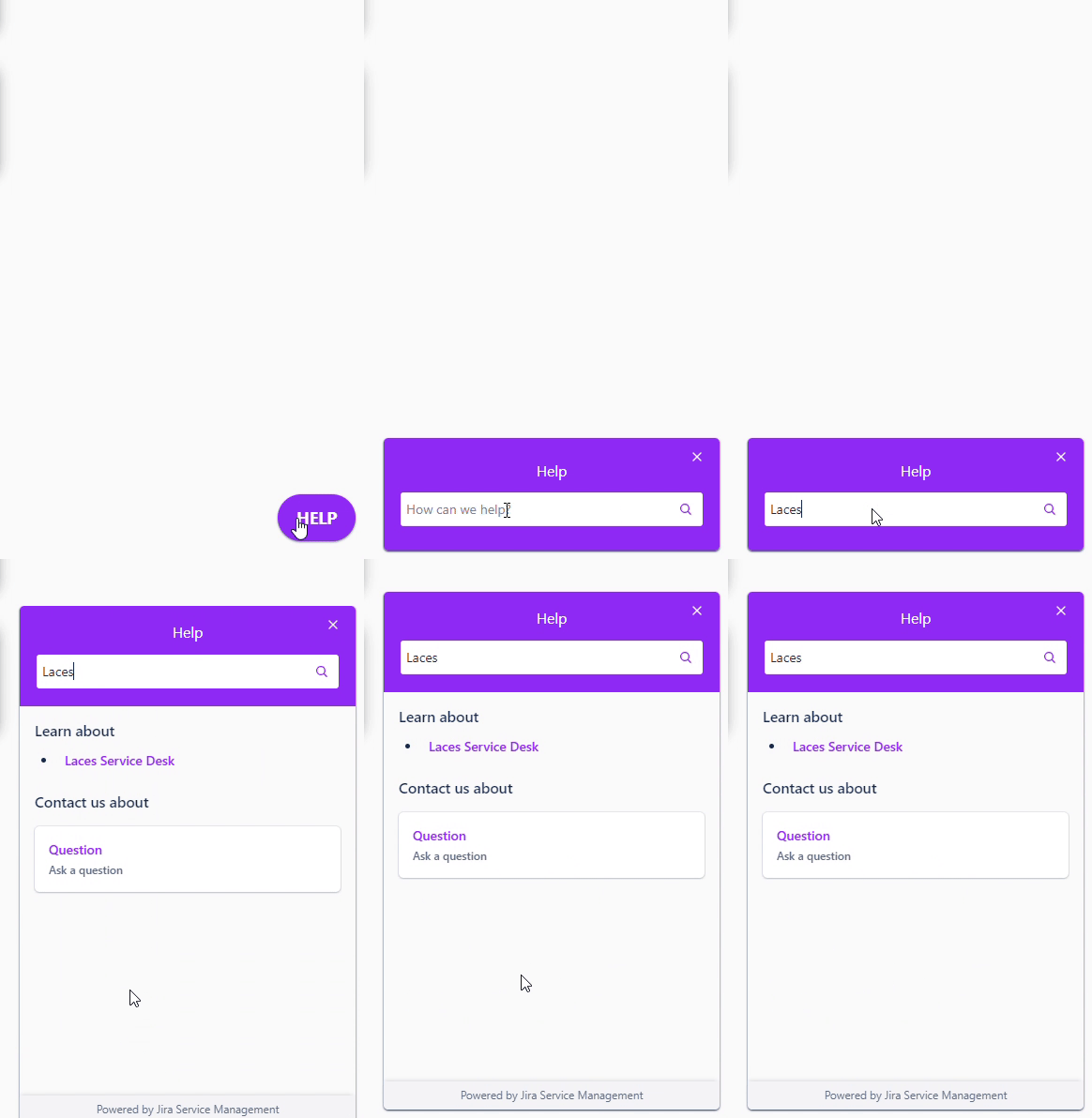
The widget includes a comprehensive knowledge base for frequently asked questions. If you encounter any issues or have suggestions for improvements, you can submit them through the Service Desk.
Supported browsers#
Due to the required resolution and amount of information being visualized on screen, as well as the intended use for the Laces Apps, the following list will only contain desktop versions of our application. Currently we support the following browser (versions):
- Chrome: latest and (latest -1)
- Firefox: latest and (latest -1)
- Edge: latest and (latest -1)
- Safari: 11.1+
- Internet Explorer: not supported EoF
In case of "latest and (latest -1)" we support the latest stable version of the browser, as specified by the browser's vendor, including the the version preceding it. So if the current version of Chrome is 116.x we support this one as well as 115.x.
JavaScript#
In any case JavaScript should always be enabled in order for the application to function correctly, without it the application cannot be used. JavaScript is enabled by default by all modern browsers, in case it has been disabled instructions on enabling this again can be found here.
For some features access to the local storage is needed, using this storage some settings are persisted during the use of the application. In order to use these features, browsers should be configured to access the local storage through the Web Storage API. Some browsers have a setting that allows the user to enable/disable the use of local storage (by default it is enabled). For more information on the Web Storage API, refer.
Screen resolution#
Also, in order to properly render the application's components on screen, a minimum resolution of 1024x768 is required.
Firewalls and proxies#
We expect traffic between the browser and the internet is unrestricted on the normal HTTP and HTTPS ports (resp. 80 and 443), also no firewalls or other intermediate restrictions should interfere with, or strip potential, necessary information attached to the requests send to the server and subsequent responses sent back.
Mobile#
The application is not developed to be used on a mobile device. And since we do not test the LDP on mobile devices, we cannot guarantee the application will work as needed.
Contact#
For any questions, remarks, or bugs, please send an email to Semmtech.